How to Check Your Turnitin Score Before Submitting (Without a Teacher Account)
Most students can't run their own Turnitin check — the assignment settings control that, not you. Here's why, what your real options are, and how to see your actual score before it counts.
The quick answer
You generally can't open Turnitin yourself and run a check the way you'd use a free web tool — Turnitin doesn't offer individual accounts. Per its own help center, a student can't self-check a paper inside Turnitin without submitting it to an official assignment created by an instructor, unless the institution has separately enabled a tool called Draft Coach. That leaves most students with exactly two in-system paths — both dependent on settings they don't control — plus a third option that works regardless of what your school has configured: an independent check run through an institutional Turnitin account that already has access.
Why you can't just log in and check a paper
This trips up a lot of students who assume Turnitin works like any other web tool — sign up, upload, get a score. It doesn't, because Turnitin isn't sold that way. As covered in more detail in our comparison of Turnitin and free plagiarism checkers, access is licensed exclusively to institutions. There's no consumer checkout, and the one individual-facing product Turnitin does sell — iThenticate — is aimed at publishers and researchers, priced per document in a way that isn't practical for routine coursework.
So whatever access you have to Turnitin as a student flows entirely through your school's license and whatever your instructor configured on that specific assignment. If they haven't turned certain options on, there's no student-side setting to switch them on yourself.
Option 1: Resubmit to a draft assignment (if your instructor allows it)
Some instructors set up assignments to allow resubmission before the due date, specifically so students can check a draft and revise before the version that counts. Where this is enabled, Turnitin's own guidance allows up to three resubmissions in any 24-hour period, with each one generating a fresh Similarity Report almost immediately. Submit a fourth time in that window and you'll wait until the next calendar day for the next report to generate.
The catch is timing and control, not the check itself. Resubmission is only possible up until the exact due date and time — Turnitin's help center is explicit that this cutoff applies even on assignments that otherwise accept late submissions, because a late submission only covers a student's first upload, not a resubmission. Once the deadline passes, that door closes completely, checked draft or not.
Option 2: Turnitin Draft Coach (if your school licenses it)
Draft Coach is Turnitin's own answer to this exact problem — a plugin for Google Docs and Microsoft Word that lets students run similarity, citation, and grammar checks directly while writing, before anything is formally submitted. It's a genuinely useful tool where it's available.
The limitation is adoption. Draft Coach has to be licensed and specifically configured by an institution's Turnitin administrator — it isn't bundled automatically with every Turnitin subscription, and plenty of schools with Turnitin access haven't turned it on for students. If you've never seen a Draft Coach add-on in your Google Docs or Word sidebar, your school most likely hasn't enabled it, and there's no student-side way to activate it independently.
Option 3: An independent Turnitin-powered check
The third path sidesteps both dependencies. Rather than relying on your specific instructor's resubmission settings or your institution having licensed Draft Coach, you submit your document through a service that already holds institutional-level Turnitin access and runs your paper through the same Similarity and AI detection engine your school uses — independent of what your own class or school has configured.
This is the gap SimilarityAndAI exists to close: real Turnitin Similarity and AI Detection reports, ordered individually, without needing your instructor to have enabled resubmissions or your school to carry a Draft Coach license.
What to watch for with either in-system option
If resubmission or Draft Coach is available to you, there's one thing worth understanding before you rely on it: what happens to the draft you check. As covered in our piece on Turnitin's no-repository setting, if the assignment you're resubmitting to stores papers in a repository, an early draft can end up saved there — and if you later submit a revised final version to a different assignment, that final paper can come back matching your own earlier draft, sometimes at a high, misleading percentage. Turnitin's help center covers this directly under self-matching: the automatic exclusion that prevents drafts from matching each other only applies within the same assignment, not across separate ones.
Checking a draft outside your institution's assignment structure entirely avoids that risk altogether, since nothing about the check touches the assignment your real submission goes through.
Comparing the three options
- Resubmission to a draft assignment. Free if enabled, but entirely dependent on your instructor's settings, capped at three checks per 24 hours, and closes at the due date. Can create a self-matching risk against a later submission.
- Draft Coach. Genuinely convenient where available, built into your writing tool, but requires your institution to have specifically licensed and enabled it — most haven't.
- An independent Turnitin check. Works regardless of your instructor's or institution's settings, isn't tied to a due date, and — when run in a no-repository mode — doesn't create any draft that could later match your real submission. The tradeoff is that it's a paid, per-report service rather than something bundled into your existing access.
What an actual Turnitin check shows you
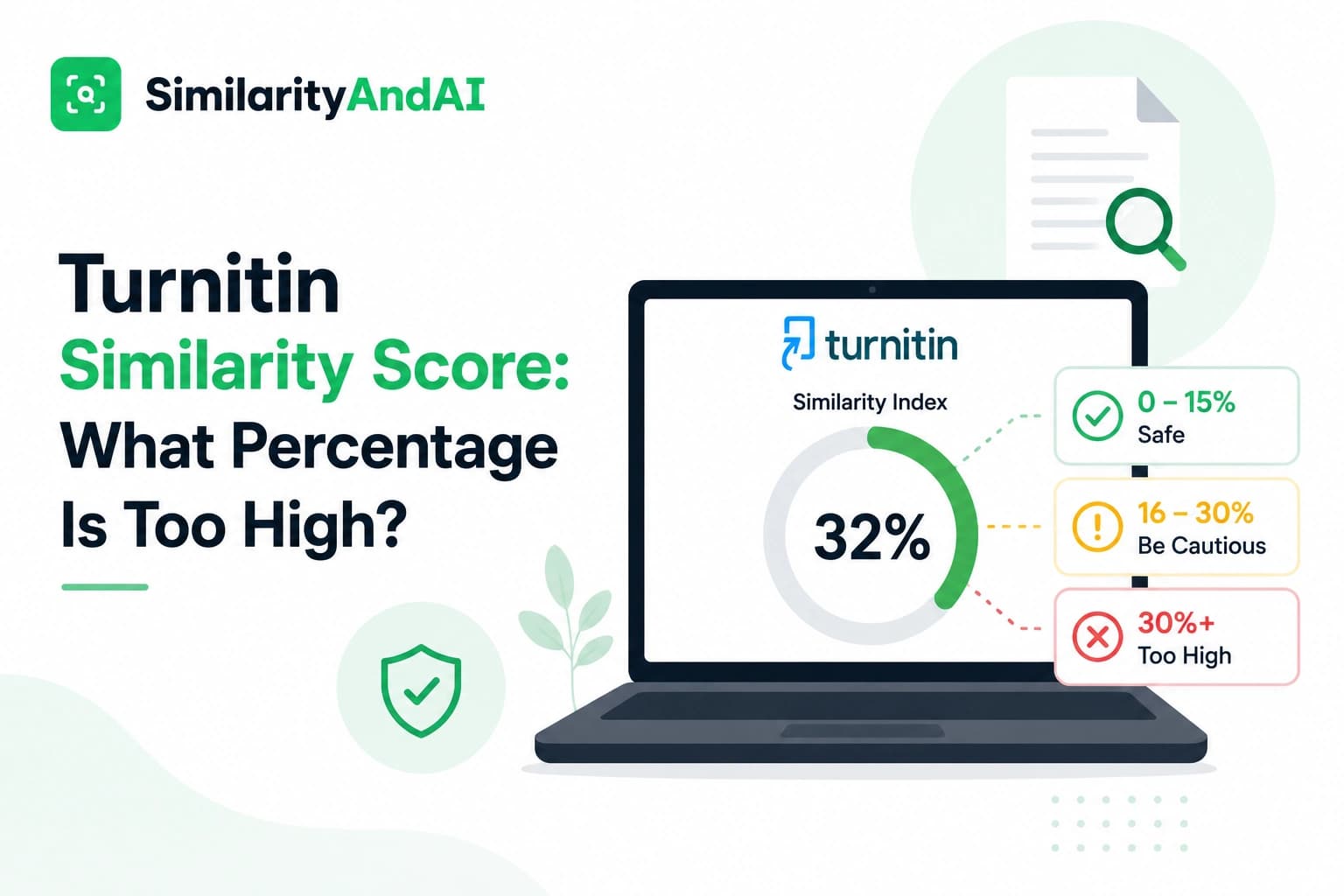
Whichever path gets you there, what you're looking for is the same thing: a genuine Similarity Report generated against Turnitin's actual source pools — the open web, its licensed academic publications database, and (depending on the check) prior student submissions — not an estimate from a free web-crawl tool. As explained in Turnitin's own guidance on understanding the similarity score, that percentage reflects how much of a submission's text matches existing content — it isn't itself a plagiarism verdict, and properly cited material shows up as a match too. The value of checking before you submit isn't a guaranteed low number; it's the chance to see and understand what's actually flagged while you can still do something about it.
The bottom line
Most students don't have a straightforward way to check a real Turnitin score before the submission that counts — not because the checking process is complicated, but because access itself is locked behind settings only instructors and institutions control. If your class allows resubmission or your school has licensed Draft Coach, those are legitimate free options worth using, with the caveats above. If neither is available — which is the more common situation — an independent check run through an institutional Turnitin account is the only way to see your real similarity and AI detection results ahead of time.
You can check your reports through SimilarityAndAI — the same Turnitin engine your school runs, delivered per report, run in No Repository Mode so nothing you check here can ever match against the paper you actually submit.
Frequently asked questions
Can I just make a free Turnitin account and check my own paper?
No. Turnitin's Similarity product is licensed to institutions — schools and universities — not sold directly to individuals. There's no student signup page on Turnitin's own site. Any access you have runs through your school's license, which means the settings your instructor configured are the only way in.
Does my school need to specifically enable something for me to check a draft?
Yes, one of two things: either the instructor needs to allow resubmissions on the specific assignment you're checking, or the institution needs to have licensed and enabled Turnitin Draft Coach separately. Neither is guaranteed, and most students don't have visibility into which — if either — is turned on until they try.
Is it risky to check a draft through my actual class assignment?
It can create a paper trail you don't want. If that assignment stores submissions to a repository and you resubmit a revised version later, your final paper can end up matching your own earlier draft and returning an inflated similarity score. It's also limited to three resubmissions in any 24-hour period, and locks completely once the due date passes.
What's the difference between Draft Coach and a paid Turnitin check service?
Draft Coach is a Turnitin product embedded in Google Docs or Word, but it's opt-in per institution — most schools haven't licensed it. A paid check service runs your document through the same Turnitin Similarity and AI detection engine via an institutional account that already has access, independent of whether your own school offers Draft Coach or allows resubmissions.
Ready to check your paper?
Get your Turnitin reports in minutes.
Same reports your institution generates — delivered privately, fast.
Related articles