Turnitin "No Repository" vs. Standard Repository: What Actually Changes
Same similarity engine, different storage rules. Here's exactly what "no repository" means on Turnitin, why it exists, and how it affects the score you see.
The quick answer
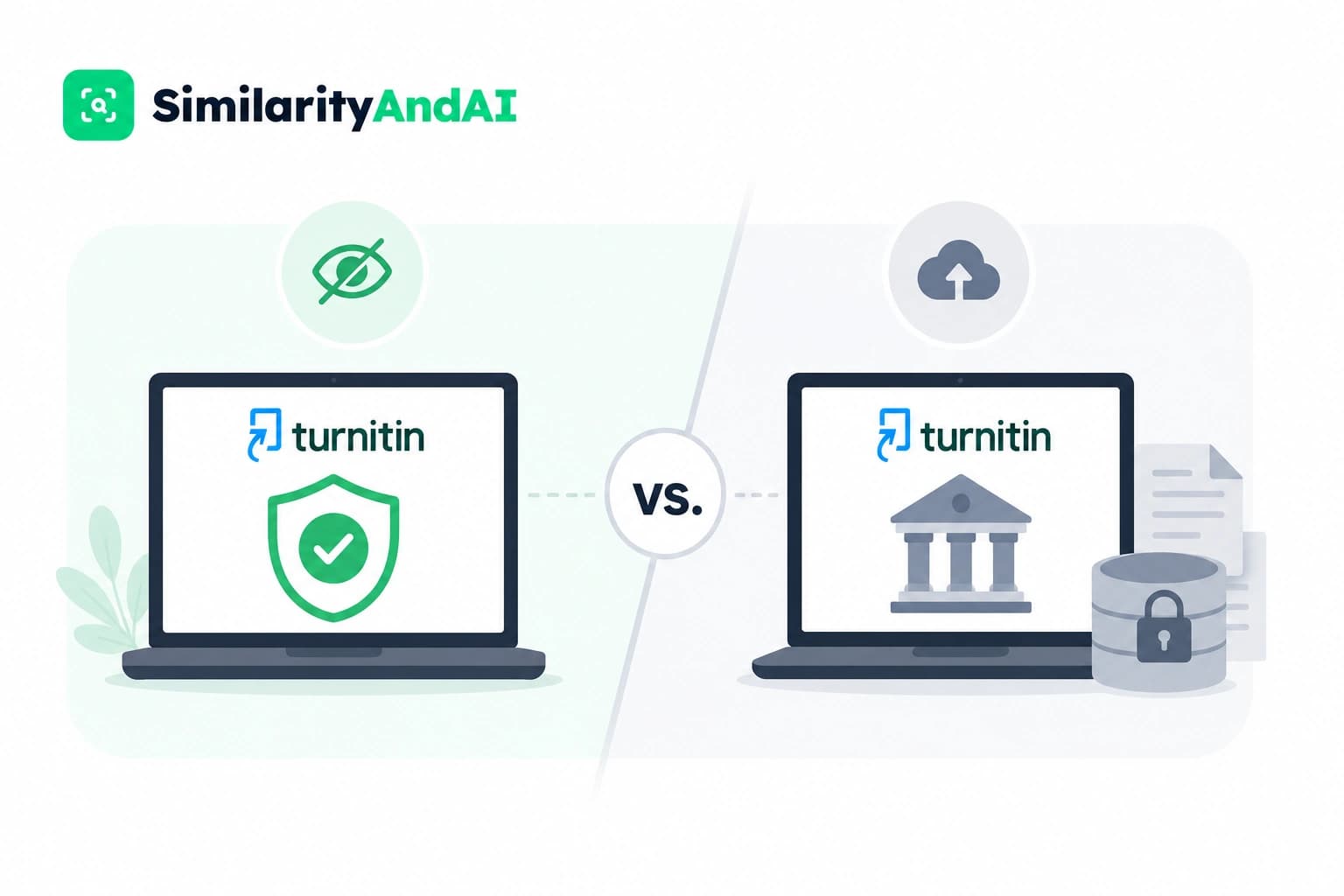
"No repository" is a Turnitin assignment setting that stops a submitted paper from being saved into any comparison database afterward. The paper still gets scanned and still gets a similarity score — that part doesn't change. What changes is what happens after the check: under the standard repository setting, a copy of the paper is stored so future submissions can be compared against it; under no repository, nothing is kept, and the paper can never show up as a match in someone else's report later.
It's one of the most misunderstood settings in the whole system, mostly because students encounter its effects — an unexpectedly high match, a paper that seems to "remember" a draft — without ever seeing the setting itself, since it's configured by the institution, not chosen at upload time.
What "repository" means on Turnitin
Every Turnitin similarity check compares a submitted document against several source pools at once. Per Turnitin's own Similarity product page, those pools include an index of current and archived web content, a licensed database of academic publications — journals, books, conference proceedings — and a repository of previously submitted student papers.
That last pool is the "repository" in question. It isn't one single global bucket. Turnitin's help center and institutional documentation describe it as layered: a standard repository shared across institutions that use Turnitin, and a separate institution-only repository that some schools use instead, which only ever compares papers submitted within that same school. "Repository," in other words, is really a question of where a paper gets filed after it's checked — not a description of the check itself.
The three storage options, explained
When an instructor sets up a Turnitin assignment, they typically choose from three storage configurations:
- Standard paper repository. The submission is stored in Turnitin's broader repository, shared across institutions using the system. Future submissions — from this class, this school, or any other institution on Turnitin — can be compared against it. This is the default for most final-submission assignments.
- Institution (private) repository. The submission is stored, but only in that school's own repository. Later comparisons are limited to papers submitted within the same institution; it's never checked against, or visible to, other schools. Institutions handling sensitive coursework — capstones with identifying data, for example — often prefer this over the standard option.
- No repository ("do not store the submitted papers"). The paper is scanned exactly as normal, then discarded from the storage step entirely. Nothing is added anywhere. It can't be matched against later, by anyone.
All three run the same similarity scan against the same web and publications sources at the moment of submission. The setting only governs what happens to the student-paper comparison layer, and only for the future — not for the report the student sees today.
Does no repository change your similarity score?
Not because of the setting itself. A document checked under "no repository" is compared against the internet index and the licensed publications database exactly as it would be under any other setting — those layers are unaffected by where the paper ends up being filed afterward. If two identical documents were submitted, one under each setting, they'd return the same score, because the content being matched against hasn't changed.
Where the confusion usually comes from is a slightly different question: could the presence or absence of the student-paper repository layer itself account for a difference? In principle, yes — if your specific matching text happens to live only inside another stored student submission, a check that skips the repository comparison won't catch it. In practice this is a narrow edge case, since most of what drives a similarity score is web and publication matches, not other students' stored papers. The setting is about storage, not about hiding your work from the scan you're currently running.
Why the no-repository option exists
The option exists because storing every draft by default creates real problems. Turnitin explicitly frames repository storage as a per-assignment choice rather than a fixed rule, and institutional guides consistently recommend "no repository" for anything that isn't a genuine final submission — early drafts, practice runs, chapters of an in-progress thesis, or any assignment a student might revise and resubmit. A Yale Canvas guide on Turnitin's assignment settings notes that storing draft versions in an institution's repository is specifically discouraged, since it sets up exactly the kind of false match described below.
The tradeoff instructors weigh is straightforward: repository storage is what lets Turnitin catch a paper being reused across classes or resubmitted wholesale in a later semester — a real integrity check. But that same storage becomes a liability the moment the same author submits multiple honest drafts of one piece of work.
The self-matching problem it solves
This is the part that actually affects students directly. Turnitin's help center addresses it under "Why is a student paper self-matching?" — within a single class, submissions are automatically excluded from matching against each other by default, so turning in a draft and then a final version to the same assignment doesn't normally inflate the score. The exclusion is designed exactly for that workflow.
The gap shows up across different classes or assignments. If a student submits a draft to one assignment that stores to the repository, then submits a revised version to a separate assignment later — a different course, a different term — that automatic self-match exclusion doesn't apply, because Turnitin has no way to know the two submissions are drafts of the same work by the same person unless they're in the same assignment. The second paper can come back matching heavily against the first, sometimes at very high percentages, purely because the earlier draft was sitting in the repository. This is the scenario "no repository" mode is built to prevent: if the draft was never stored in the first place, there's nothing for the final version to match against.
It cuts the other way too. If instructors want a resubmission or reused-paper check to actually work — catching a student who submits the same paper in two different classes, which is its own integrity issue — that only works if at least one of those submissions was stored. No repository trades that detection capability away in exchange for eliminating false positives on legitimate drafts. Neither setting is strictly "better"; they serve different assignments.
Who actually controls this setting
This is worth being direct about: students don't choose it. The repository setting lives in the assignment configuration, set by the instructor or the institution's Turnitin administrator, before the assignment ever opens for submissions. A student uploading a paper has no toggle to switch between repository modes — whatever the instructor configured is what applies, silently, to every submission in that assignment.
That's also why students often can't tell which setting is active just by looking at their own similarity report. The report looks the same either way. The only way to know for certain is for the instructor to say so, or to notice the downstream effect — a paper matching a prior draft it shouldn't be able to see.
Why this matters when you check your own paper first
If you're checking a draft ahead of your real submission — which is a completely reasonable thing to want to do — the repository question becomes directly relevant to you, not just something instructors configure behind the scenes. If a pre-submission check stores your draft anywhere in Turnitin's system, and your real, final submission goes through later, you risk exactly the self-matching problem above: your own final paper flagged against your own earlier draft, at a similarity percentage that has nothing to do with actual plagiarism and everything to do with how the checking tool handled storage.
That's the reasoning behind running every check in No Repository Mode — a document you check ahead of time is scanned against the same sources your institution's Turnitin account uses, and then it's gone. It isn't added to any database, it can't surface as a match against your own later submission, and it can't be compared against by anyone else's paper either. You get the real similarity and AI detection numbers without creating a paper trail that could complicate the submission that actually counts.
Common mistakes and misconceptions
- "No repository means Turnitin can't see my sources." Not true. The internet index and academic publications database are unaffected by this setting — it only touches the stored-student-paper comparison layer.
- "A high score twice in a row means my document was flagged as duplicate." If the text and sources are unchanged, an identical score on resubmission is expected and not a sign of anything wrong — the underlying matches simply haven't changed.
- "I can pick no repository myself when I submit." This is set by the instructor at the assignment level, not chosen by the student at upload.
- "If my paper isn't stored, my instructor can't see my similarity report." Storage and reporting are separate. The instructor sees the same similarity report regardless of whether the paper is later stored for future comparisons.
The bottom line
"No repository" is a storage decision, not a different way of scanning a paper. It exists to solve a real problem — drafts matching their own later revisions across separate assignments — by making sure interim work never gets filed anywhere it could be compared against later. The similarity scan itself, and the score it returns, comes from the same web and publications sources either way.
For students checking a paper before the real submission, the practical takeaway is simple: know whether the tool you're using stores what you upload. If it does, you're creating exactly the kind of paper trail this setting was designed to avoid. If you want to see your real similarity and AI detection scores before you submit — without adding anything to a repository your final paper could later match against — you can check your reports through SimilarityAndAI, run entirely in No Repository Mode.
Frequently asked questions
Does submitting with "no repository" give a different similarity score than the standard repository?
No. The repository setting controls storage only — whether a copy of your paper is saved afterward — not which sources Turnitin compares your text against at the moment of the check. A document submitted under "no repository" is scanned against the same internet index and publications database as one submitted under the standard repository. The only difference is that a repository submission also checks against other stored student papers, so if your matching text happens to live in another stored submission, that comparison layer is the one that's absent — not the internet or publications layers.
Why would an instructor choose "no repository" instead of the standard option?
It's the recommended setting for anything that isn't a final, one-time submission — draft chapters, thesis sections submitted in stages, or practice runs. If a draft is stored and the student later submits a revised version, the final paper can match its own earlier draft and return a misleadingly high similarity score. "No repository" avoids that by never saving the interim copy.
Can I choose "no repository" myself as a student?
Usually not. The repository setting is configured at the assignment level by the instructor or institution, not chosen by the student at upload time. If you want to check a draft without it being stored anywhere, you need a checking tool that runs outside your institution's assignment settings entirely.
If my paper isn't stored, does that mean my instructor can't compare it to other students' work?
It means that specific paper won't be available as a comparison source for future submissions. It doesn't affect the check being performed on your paper right now — you'll still be compared against the internet, academic publications, and any existing repository content that's already stored from prior submissions.
Ready to check your paper?
Get your Turnitin reports in minutes.
Same reports your institution generates — delivered privately, fast.
Related articles