Turnitin Draft Coach: What It Is, Who Gets Access, and What It Actually Checks
Draft Coach is Turnitin's own free pre-submission checker — genuinely useful where it's available, and genuinely limited in ways most students don't find out until they hit them. Here's exactly what it does, who can use it, and where it falls short.
The quick answer
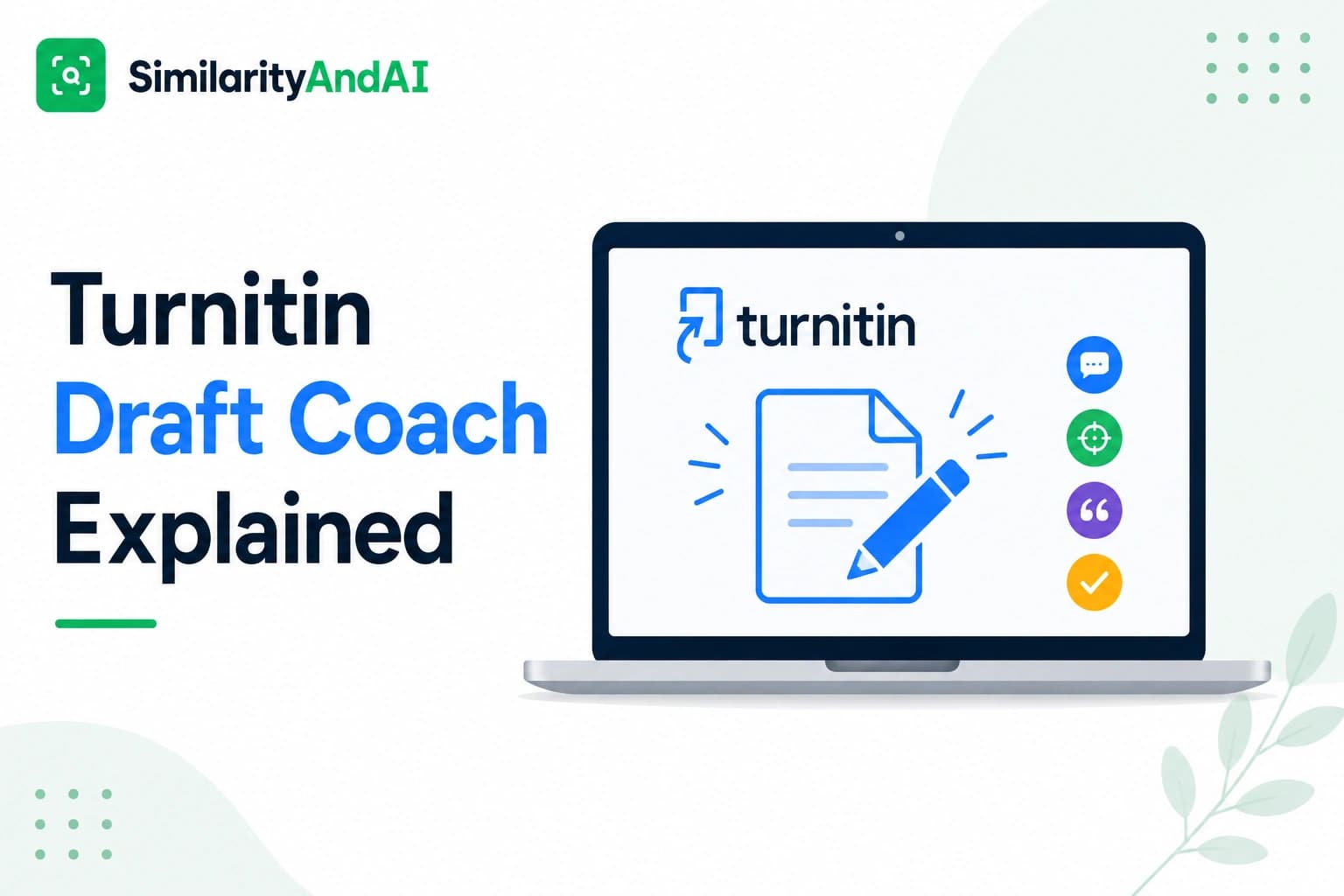
Draft Coach is Turnitin's own free tool for checking a paper before it's formally submitted — built into Google Docs and Microsoft Word for the web, offering a similarity check, a citation check, and a grammar check, all without adding the draft to any repository. It's genuinely useful where it's available. The catch is availability itself: it has to be specifically licensed and enabled by an institution, most schools with Turnitin access haven't turned it on, and even where it is available, it comes with real limits — a capped number of similarity checks per document and no AI detection at all.
What Draft Coach actually is
Per Turnitin's own FAQ, Draft Coach is designed to guide students from a first draft to a final one, surfacing potential issues while explaining them rather than silently auto-correcting anything. It runs as an add-on inside Google Docs and inside Microsoft Word for the web — not the full desktop version of Word — so a student can check a document while actively writing it, rather than needing to submit it to a formal assignment first.
The three features it offers
- Similarity Check. Compares your draft against the same broad set of sources Turnitin uses elsewhere — the global student repository, journals and publications, your institution's private repository, and current and archived web pages — and returns a similarity percentage with matched sources highlighted.
- Citation Check. Uses pattern recognition to flag places that look like they should have a citation but don't, helping catch missing references before submission rather than after.
- Grammar Guide. Highlights grammar issues with explanations of what's wrong and why, aimed at helping a student understand and fix the issue themselves rather than applying an automatic correction.
Who actually gets access
This is the detail that trips up the most students: Draft Coach isn't bundled automatically into every Turnitin subscription. An institution's Turnitin administrator has to specifically license and enable it, separate from the base Similarity product a school might already have. Plenty of schools with full Turnitin access for grading assignments have never turned Draft Coach on for students at all. If you've never seen a Turnitin add-on option in your Google Docs Extensions menu or your Word for the web add-ins, that's the most likely explanation — not that you're doing something wrong, just that your specific institution hasn't licensed it.
The three-check-per-document limit
Where Draft Coach is available, it isn't unlimited. The similarity check specifically is capped at three uses per document — Turnitin's own design choice, intended to encourage genuine revision between checks rather than treating the tool as a live score tracker you refresh after every small edit. Citation Check and Grammar Guide don't share this limit and can be run as many times as you want on the same document; the cap applies specifically to the similarity comparison, which is also the check that actually queries Turnitin's broader databases.
In practice, this means the tool works best used deliberately — after a substantive revision pass, not after every small sentence tweak — since running out of similarity checks on a document leaves you without that specific feedback for the rest of your drafting process.
Why Draft Coach doesn't check for AI writing
This is a real and consistent limitation, not a licensing gap that varies by institution: Draft Coach has no AI writing detection feature at all, anywhere. AI detection exists only on the instructor-facing side of Turnitin — the full report generated when a paper is formally submitted to a graded assignment. A student using Draft Coach, no matter how their institution has configured it, cannot see an AI score for their own draft through this tool. If you're specifically trying to understand how your writing reads to an AI detector before you submit — a concern covered in more depth in our piece on Turnitin's AI detector accuracy and false positive rate — Draft Coach simply isn't built to answer that question.
Does using it affect your real submission?
This is Draft Coach's strongest selling point, and worth stating clearly: it does not submit your draft to Turnitin's shared repository or to your institution's private repository. That distinction matters directly in light of the self-matching problem covered in our piece on Turnitin's no-repository setting — where a draft stored in one assignment can end up matching a student's own later, final submission to a different assignment. Because Draft Coach checks never get stored anywhere, that specific risk doesn't apply here; using it repeatedly on the same evolving document doesn't create a paper trail that could later inflate your real similarity score.
How it compares to other pre-submission options
Draft Coach sits alongside two other paths covered in our piece on how to check your Turnitin score before submitting: resubmitting to a draft assignment your instructor has configured to allow it, or using an independent Turnitin-powered check outside your institution's own setup. Compared to those, Draft Coach's advantage is convenience — it's built directly into the document you're already writing, with no separate upload step. Its limitations are real, though: dependence on your specific institution having licensed it, the three-check cap on similarity specifically, and the complete absence of AI detection, which the other two paths can provide depending on how they're set up.
The bottom line
Where it's available, Draft Coach is a genuinely well-designed tool — free, built into your existing writing workflow, and structured specifically to avoid creating a paper trail that could hurt your real submission later. Its real constraints are availability (most institutions haven't enabled it), a hard cap on similarity checks per document, and a complete lack of AI detection. For similarity checking specifically, at a school that's licensed it, it's worth using. For AI detection, or for a school that hasn't enabled it at all, it isn't an option.
If Draft Coach isn't available to you, or you want both similarity and AI detection results before you submit, you can check your reports through SimilarityAndAI — the same Turnitin engine your institution uses, run in No Repository Mode.
Frequently asked questions
Is Turnitin Draft Coach free?
For students at institutions that have licensed and enabled it, yes — there's no separate charge to the student. The catch is licensing: Draft Coach isn't automatically included with every Turnitin subscription, so whether it's free to you depends entirely on whether your specific school has turned it on, which many haven't.
How many times can I use Draft Coach's similarity check on one document?
Three times per document. Citation Check and Grammar Guide, Draft Coach's other two tools, are unlimited by comparison — the cap applies specifically to the similarity check, which is the part that actually compares your draft against Turnitin's databases.
Does Draft Coach show an AI detection score?
No. Draft Coach checks textual similarity, citations, and grammar — it does not include AI writing detection at all. That capability exists only on the instructor-facing side of Turnitin, in the full report generated when a paper is formally submitted to an assignment.
Will using Draft Coach make my real submission look like a duplicate?
No — this is one of its actual selling points. Draft Coach does not submit your draft to Turnitin's repository or your institution's private repository, so checking with it does not create a stored copy that your later, real submission could end up matching against.
Ready to check your paper?
Get your Turnitin reports in minutes.
Same reports your institution generates — delivered privately, fast.
Related articles
How to Check Your Turnitin Score Before Submitting (Without a Teacher Account)
9 min read · August 5, 2026